#
Manage numbers
Track active numbers, review plan information, and access the flow to get a new number from one place.
ChatWave helps users organize active numbers, saved contacts, and text conversations with a focused interface designed around everyday messaging tasks.
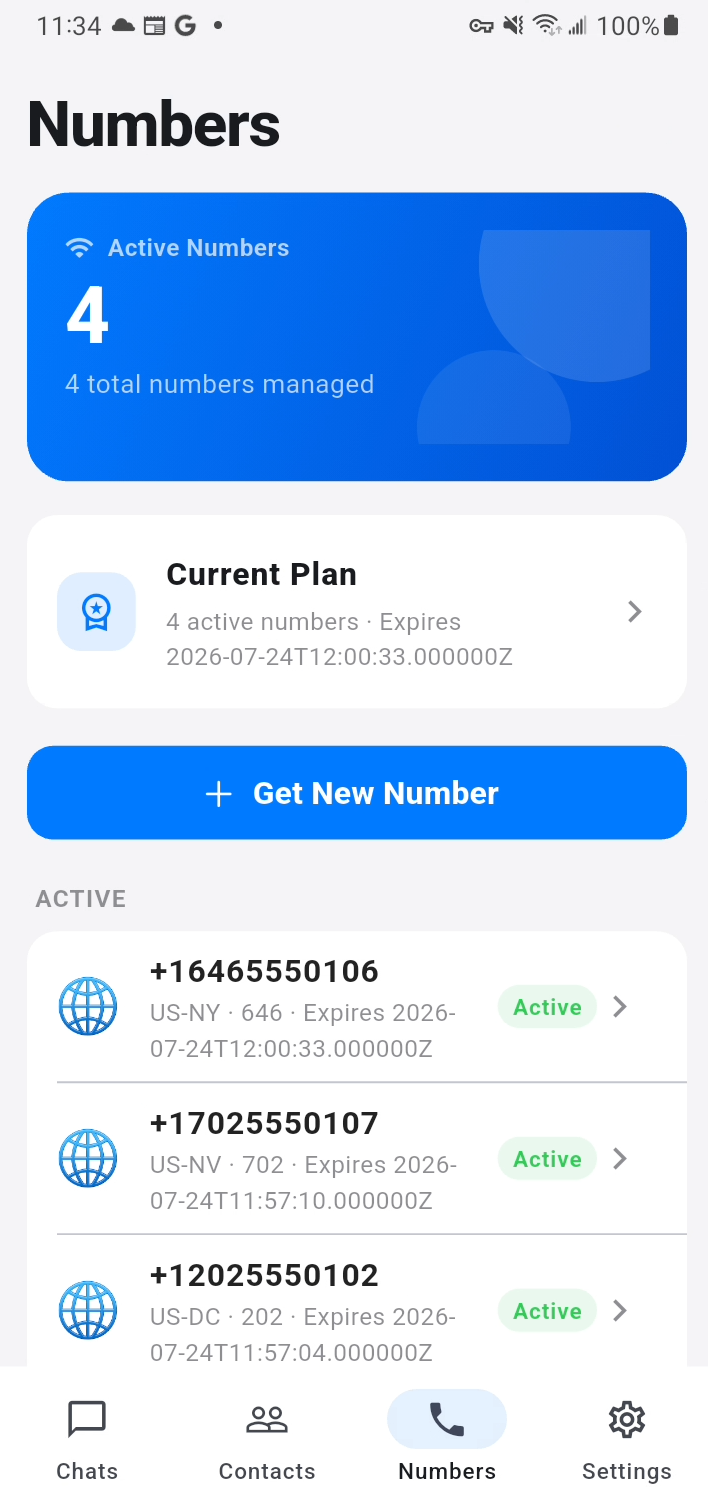
Review active numbers, plan details, and account-ready tools from a dedicated numbers dashboard.
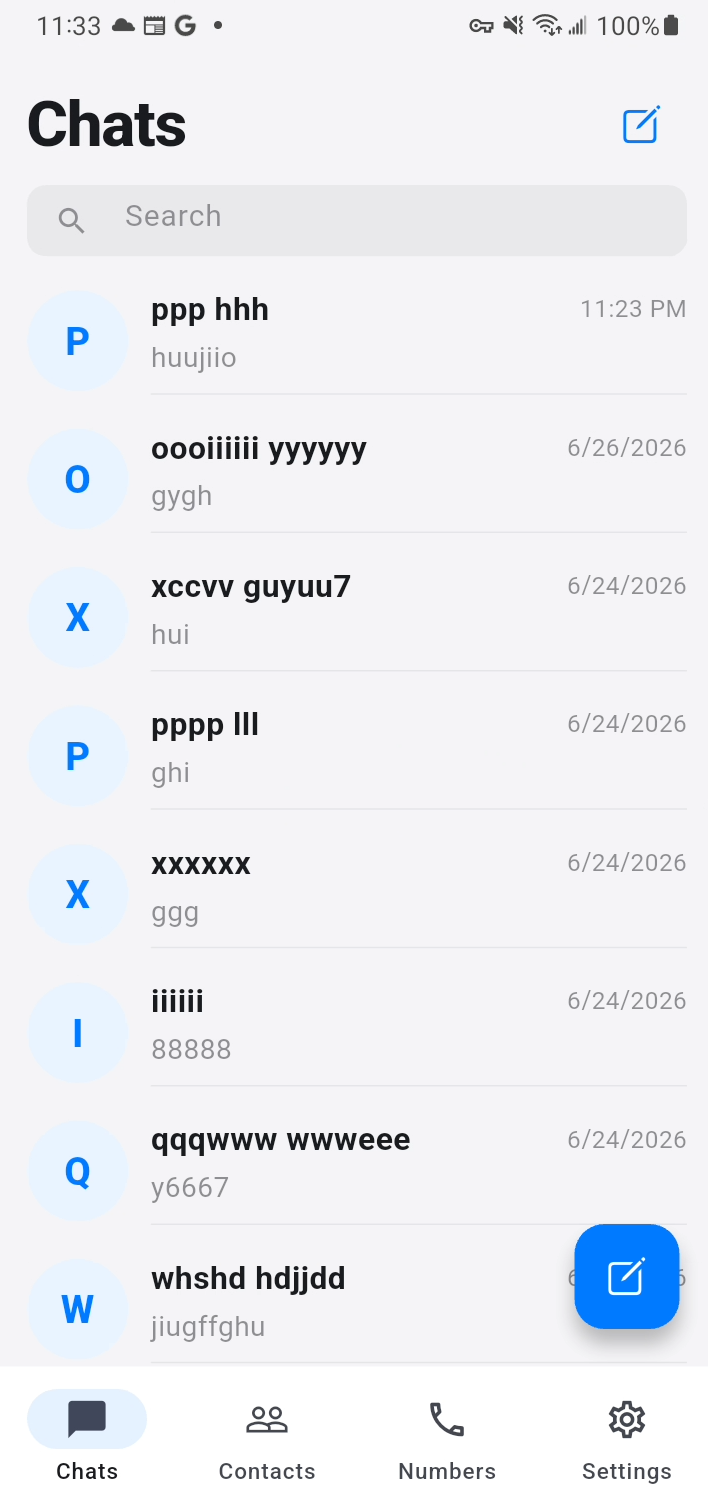
Use a simplified chat experience built around text-only conversations and contact lookup.
Every primary screen is centered on a practical task: sign in, manage numbers, read chats, maintain contacts, and update account settings.
Track active numbers, review plan information, and access the flow to get a new number from one place.
Open a conversation, identify the right contact, and send text messages through a clean chat detail screen.
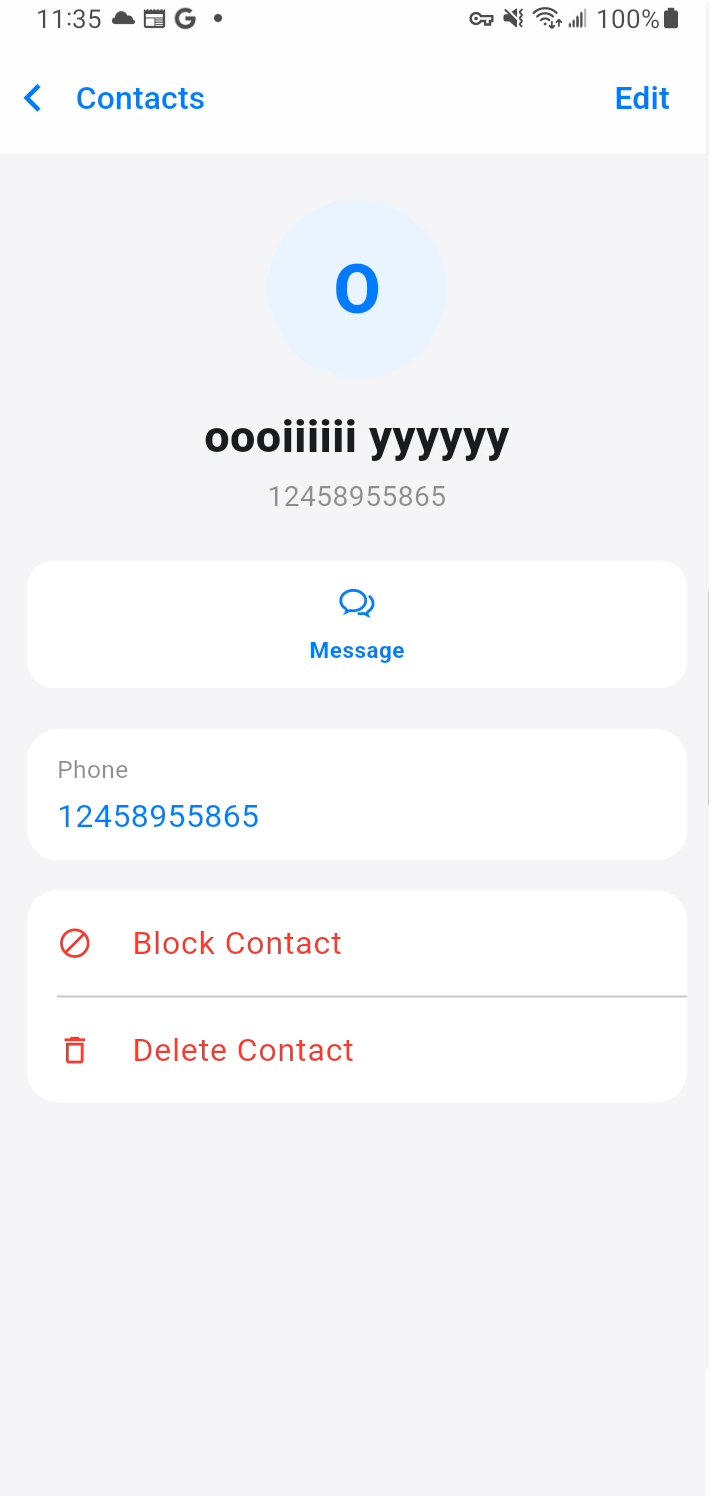
Save names and phone numbers so chat history stays clear, searchable, and easier to manage.
The Numbers screen gives users a simple overview of active lines, plan details, and number-specific actions without burying the information under extra features.
Chats are presented in a familiar mobile layout with recent messages, timestamps, and contact names so users can quickly return to the right conversation.
Saved contacts help users match names to phone numbers, making it easier to verify who a conversation belongs to and open the correct profile.
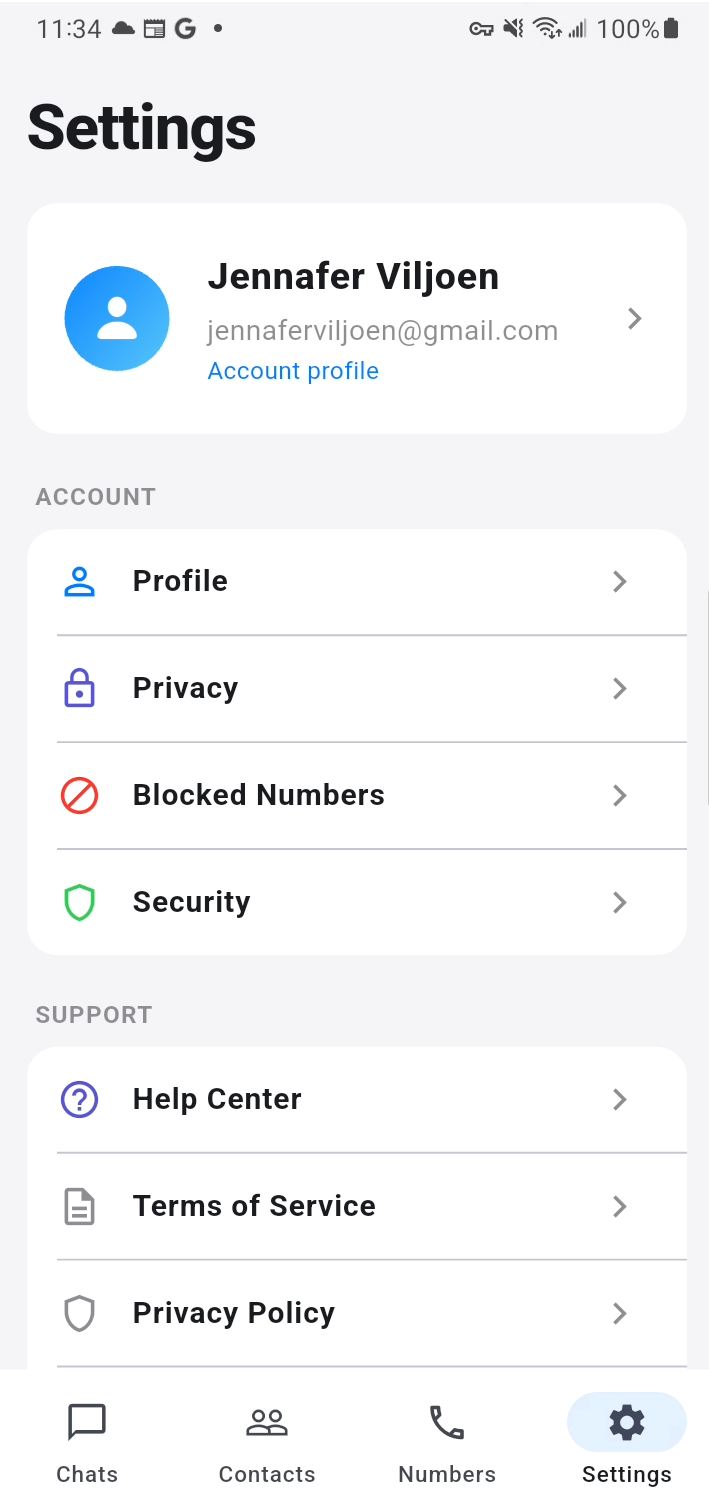
The Settings screen centralizes profile details, support access, privacy references, and service-related pages needed for a trustworthy public app presence.
ChatWave includes the key website pages commonly needed for store submission and user trust, including a privacy policy, terms of service, and an account and data deletion page.